Lucky Pays App and Mobile Casino Guide
 Available in GB
Lucky Pays works through a mobile browser, but no native iOS or Android app has been identified for Lucky Pays. That means the practical route on a phone or tablet is to open the Lucky Pays domain in a current browser rather than search for an APK or assume that an app-store listing is official.
For UK players, that browser-first distinction is useful because it changes what you need to check. There is no installation workflow to evaluate, but you should confirm the domain, browser security, account currency, game compatibility, cashier options and support access on the device you actually plan to use. Lucky Pays supports browser-based mobile play, while its account currency is reported as EUR rather than GBP.
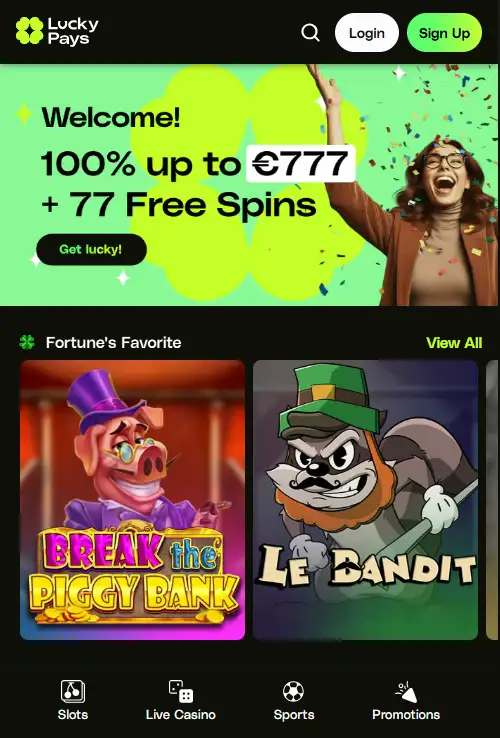
That makes the browser version the relevant product to test on a phone or tablet. Use the current site through a normal mobile browser and judge navigation, games, cashier access and support there rather than searching for an unofficial download.
How Lucky Pays works on mobile
The mobile route is straightforward: use the Lucky Pays website through a mobile browser. The Lucky Pays domain is luckypays.io. This is important because searches for casino apps can surface unofficial pages, imitation downloads and third-party wrappers. A browser-based casino does not require an APK file, a desktop installer or a separate app-store account simply to reach the site.
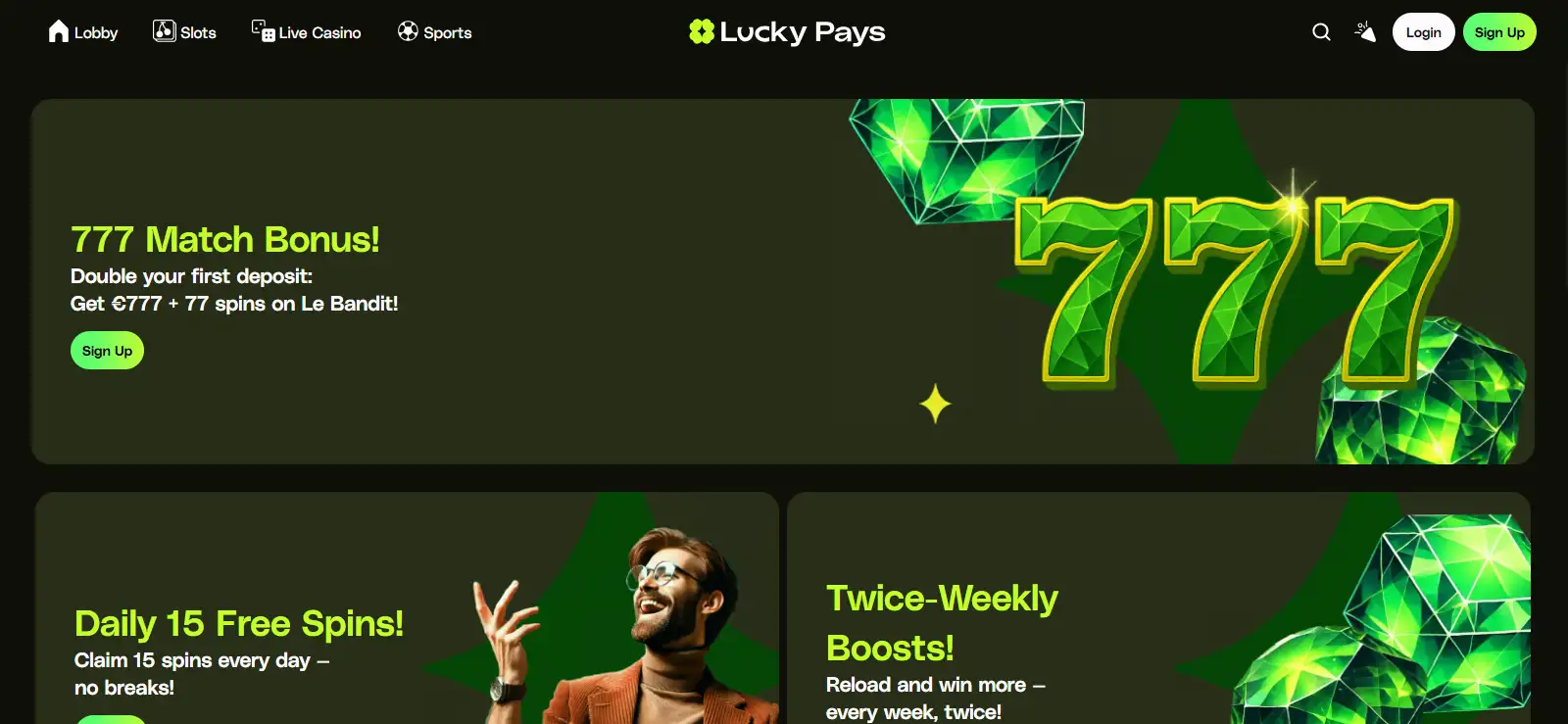
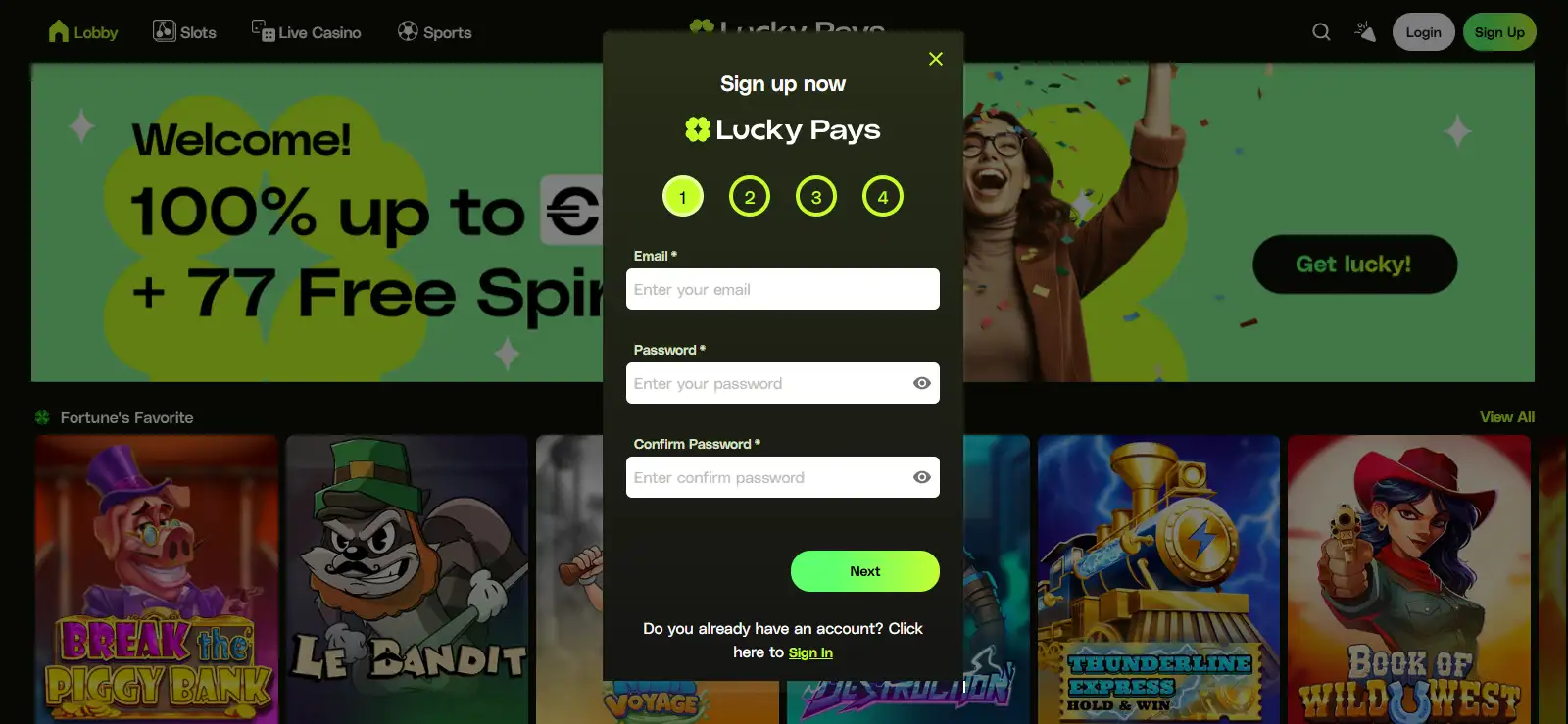
Browser access also means the interface can change without an app update. Navigation, promotions, games and cashier screens are delivered through the current website, so an older interface image is only a reference point, not a guarantee of today’s layout. When you first open the site on a phone, check that the address bar shows the expected domain before entering credentials. If you arrived through a search result, advert or message, compare the domain rather than trusting the page design alone.
It is better to think about mobile quality as a series of practical tasks rather than one claim that the whole site is “mobile optimised”. Can you sign in without zooming? Can you move from the lobby to a game and back without losing your place? Are account and cashier controls readable? Does the browser preserve the session when you switch tabs briefly? These are questions you can test in minutes and they tell you more about usability than a generic mobile badge.
Connection quality matters most once you move beyond static pages. Slots load assets and animations, while live casino adds continuous video. A stable Wi-Fi or mobile-data connection can reduce interruptions, but no site can guarantee identical performance on every handset, browser version or network. If a game behaves poorly, test another current browser before assuming the casino itself is unavailable.
Browser access and app status
Browser-based mobile access is available. No native Lucky Pays iOS app, Android app or official APK has been identified. Treat third-party download claims separately from the website itself.
For day-to-day use, the key question is whether the browser route gives you the same core paths you need: sign-in, game discovery, account controls, cashier access and support. Test those paths on the device you actually intend to use, because screen size and browser behaviour can affect convenience even when the site itself loads correctly.
iPhone and Android access
No native Lucky Pays application has been identified for either iOS or Android. App availability can change, so use the current website rather than relying on an App Store, Google Play or APK claim that you cannot connect to the casino.
On an iPhone or iPad, the safest practical approach is to open the Lucky Pays site in a current browser and use it there. On Android, the same principle applies. You do not need to enable installation from unknown sources merely to use a browser casino. In particular, avoid instructions that ask you to weaken device security or install an APK from an unrelated casino-review domain. No official Lucky Pays APK has been identified, so there is no need to follow sideloading instructions to use the browser casino.
Some websites can be saved to a home screen and may behave in an app-like way. That feature comes from the browser and operating system, and it is not the same thing as a native application. A home-screen shortcut does not by itself establish Progressive Web App status. A home-screen shortcut can still be convenient, but the underlying destination should remain the Lucky Pays website.
When searching app stores, remember that similar names do not establish ownership or authenticity. Before installing anything that claims to be a Lucky Pays app, verify that the publisher and destination are connected to the casino itself. If that link cannot be established, browser access removes the need to take the installation risk in the first place.
The broader Lucky Pays UK review covers the operator and product context. For mobile specifically, the key point is simpler: browser access is supported, while native-download claims should be treated cautiously unless they can be connected to the casino.
The absence of a verified native app changes how you should assess download claims. An app-store listing or APK file should not be treated as official merely because it uses the Lucky Pays name. Start from the confirmed Lucky Pays domain and follow a download instruction only if the genuine site identifies it as an official route. Until then, browser access is the verified option.
Games and live casino on a phone
Lucky Pays offers slots, table games, live casino and crash games. That gives a mobile visitor several categories to test, but it does not prove that every individual title will behave identically on every phone. Game availability can change, and some suppliers or titles can have device or location restrictions. The safest approach is to use the live lobby to check the specific game you want.
For slots, focus first on readability and controls. The paytable, stake selector, autoplay settings where available, and responsible-play information should remain accessible without awkward zooming. A game that technically launches but hides important controls behind the browser chrome is not a good mobile fit for your device. The Lucky Pays games page explains the catalogue categories without turning a changeable lobby into a fixed title list.
Live casino needs a slightly different test because video and betting controls share the screen. Try portrait and landscape orientation, check whether the stream stays legible, and make sure the table rules and stake range are visible before playing. A stable connection matters more here than on a static page. The live casino page covers those checks in more detail.
Do not assume that a game seen on desktop must be available on the same terms on mobile. Category-level availability does not guarantee universal cross-device compatibility. If one game matters to you, open it on the phone you intend to use before making a decision based on the wider library.
It is also worth checking how the site behaves when the browser is interrupted. Phones receive calls, notifications and app switches. If you return to an active game, confirm its state before placing another stake. For live games especially, a temporary loss of focus can mean you miss a betting window even if the stream reconnects correctly.
Mobile compatibility should be checked game by game when a particular title matters. The presence of slots, table games, live casino and crash games confirms the product categories, but it does not guarantee that every title, table or control behaves identically on a smaller screen.
Deposits, account access and support on mobile
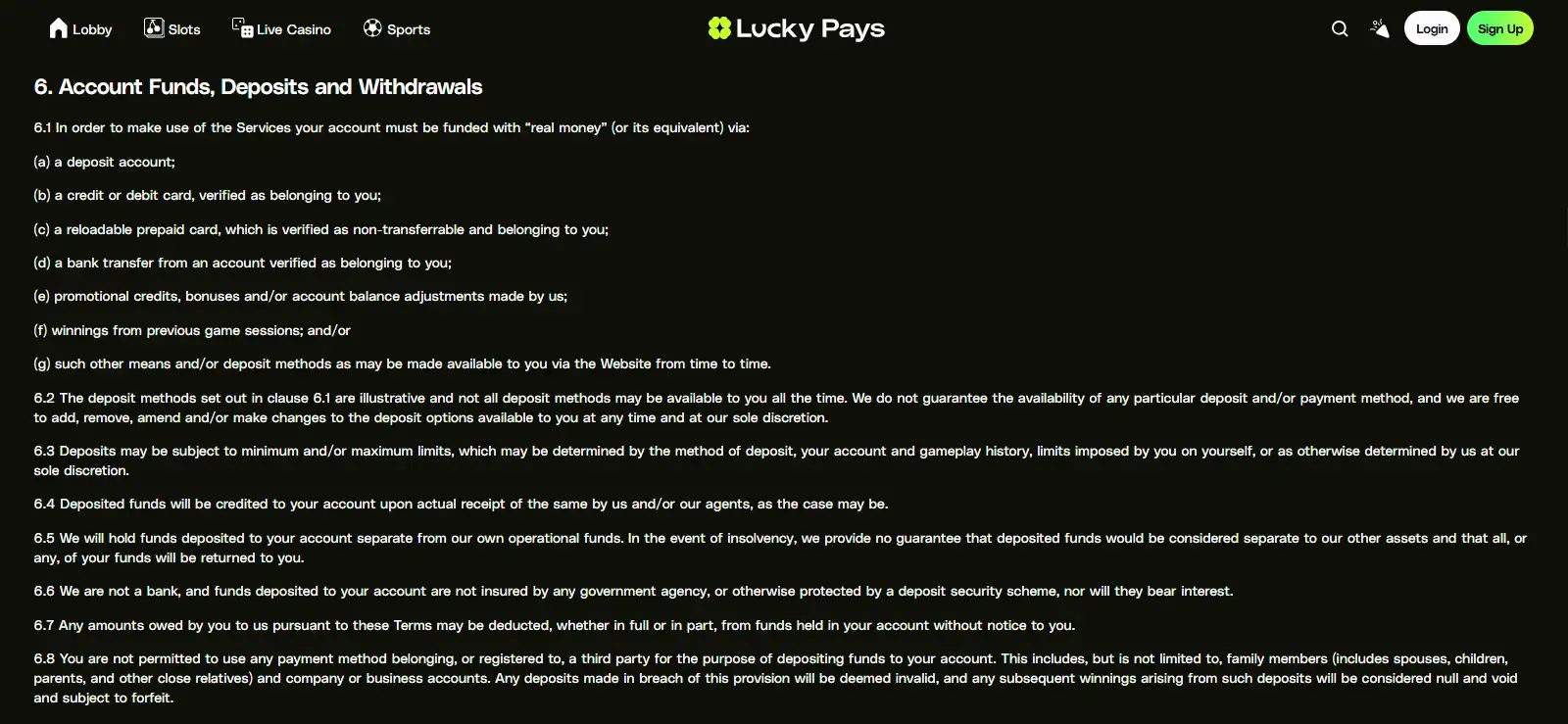
Lucky Pays supports a mix of deposit methods that includes Visa, Mastercard, Bitcoin, Apple Pay, Google Pay and MiFinity. That list applies at brand level, but the cashier can vary by country and account, so it should not be read as a promise that every method will appear for every UK user. The payments and withdrawals page covers the cashier in more detail.
Mobile wallets are especially relevant on phones because they may reduce manual card-entry steps when they are offered in the live cashier. Even so, always check the method shown after you sign in rather than assuming that a wallet mentioned in a review will be available to your account. The same caution applies to withdrawal routing, fees, limits and processing times, which are more sensitive to current terms and verification status.
Lucky Pays uses identity verification, or KYC. On mobile, that can involve moving between the browser, email, camera or document storage depending on the live workflow. The exact Lucky Pays document request and verification time can depend on the current account flow. Before starting a withdrawal, read the account instructions and make sure any requested information is submitted only through the legitimate account or support channel.
Support is easier to assess: Lucky Pays provides 24/7 English live chat and email support at [email protected]. If an account or cashier control is difficult to find on a small screen, using support can be more efficient than repeatedly refreshing or trying unofficial instructions. For registration and verification specifics, see the account and KYC page.
One final mobile-specific point is currency. Lucky Pays accounts are reported in EUR. A UK user budgeting in GBP should therefore pay attention to the currency displayed by the account and payment provider rather than treating euro figures as pound figures. Exchange handling can sit outside the casino itself, so check the amount shown by your chosen payment route before confirming a transaction.
What UK players should check before using Lucky Pays on mobile
Before using Lucky Pays on mobile, confirm that you are on the intended domain, keep the phone operating system and browser current, and avoid app or APK listings that cannot be tied back to a verified official source.
Check that the games, cashier, account verification and support functions you need work properly in the browser and device you actually plan to use.
Treat browser access and a native-app claim as separate questions, because a working mobile website does not by itself verify an official iOS or Android application.
That gives a UK reader a practical mobile check based on the current service rather than on an unverified store listing.
Prepared by the Lucky Pays Casino editorial staff.